iOS App

Control your
qBittorrent
from anywhere.

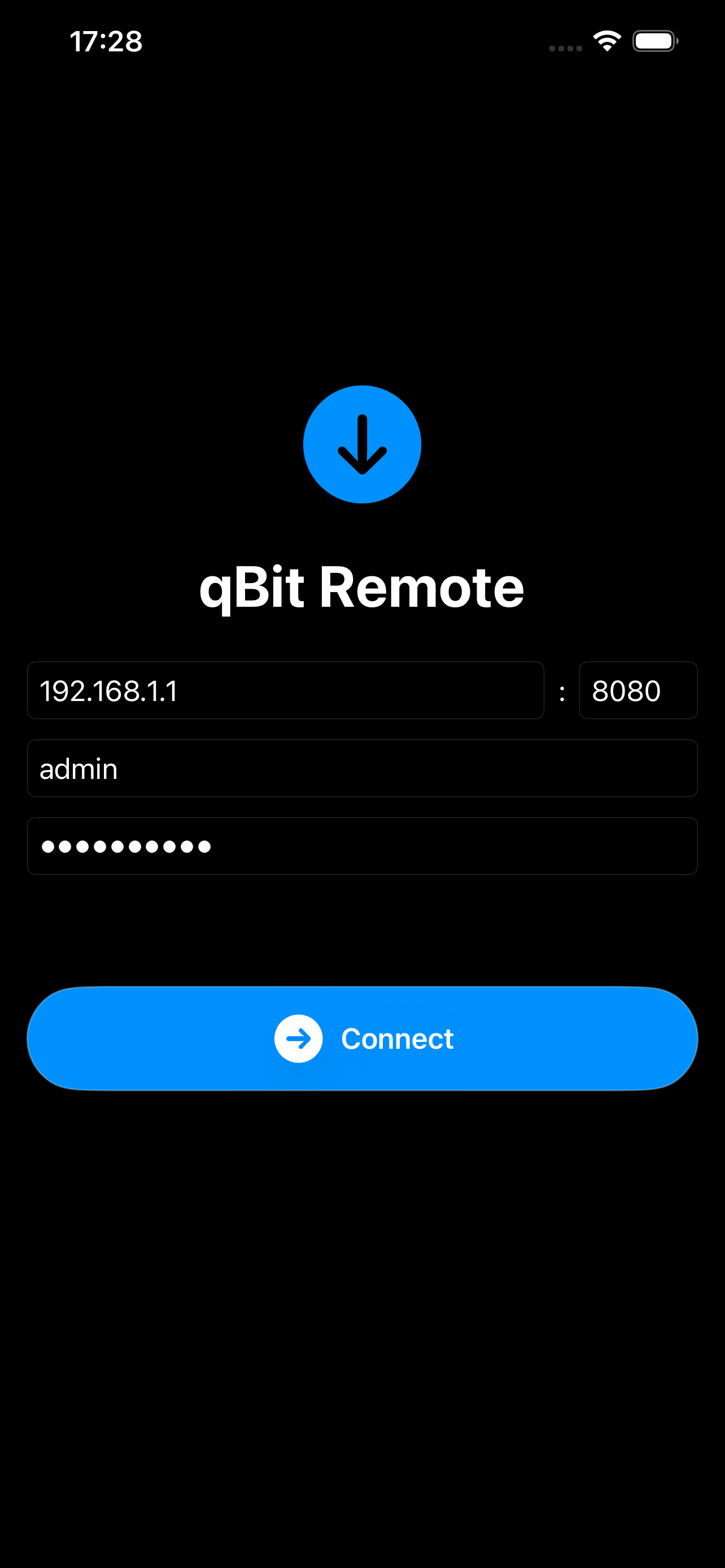
A clean, native remote for qBittorrent. Monitor torrents, add new ones, manage categories and tags — all from your iPhone or iPad.

Download on App Store Free · iPhone & iPad
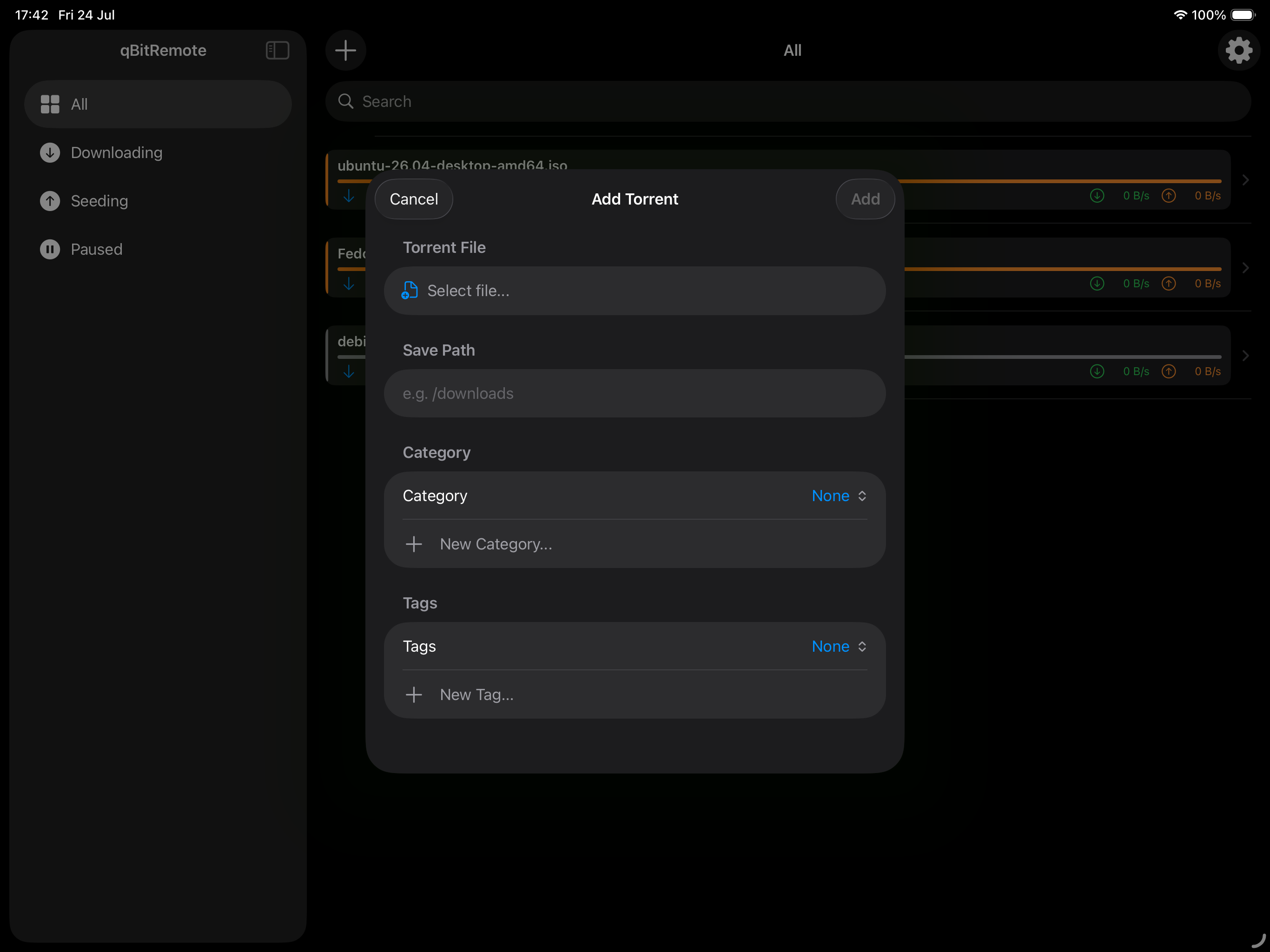
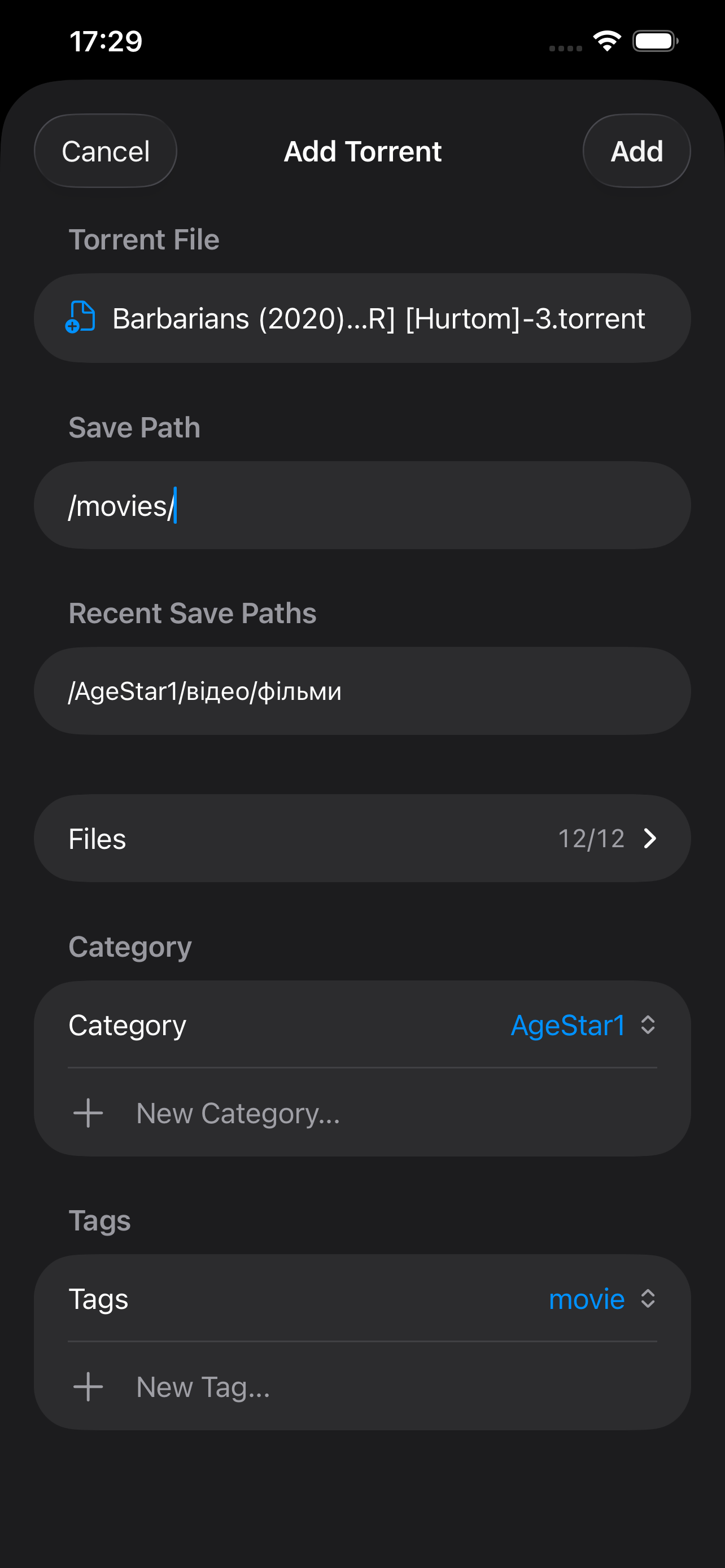
Add Torrent screen
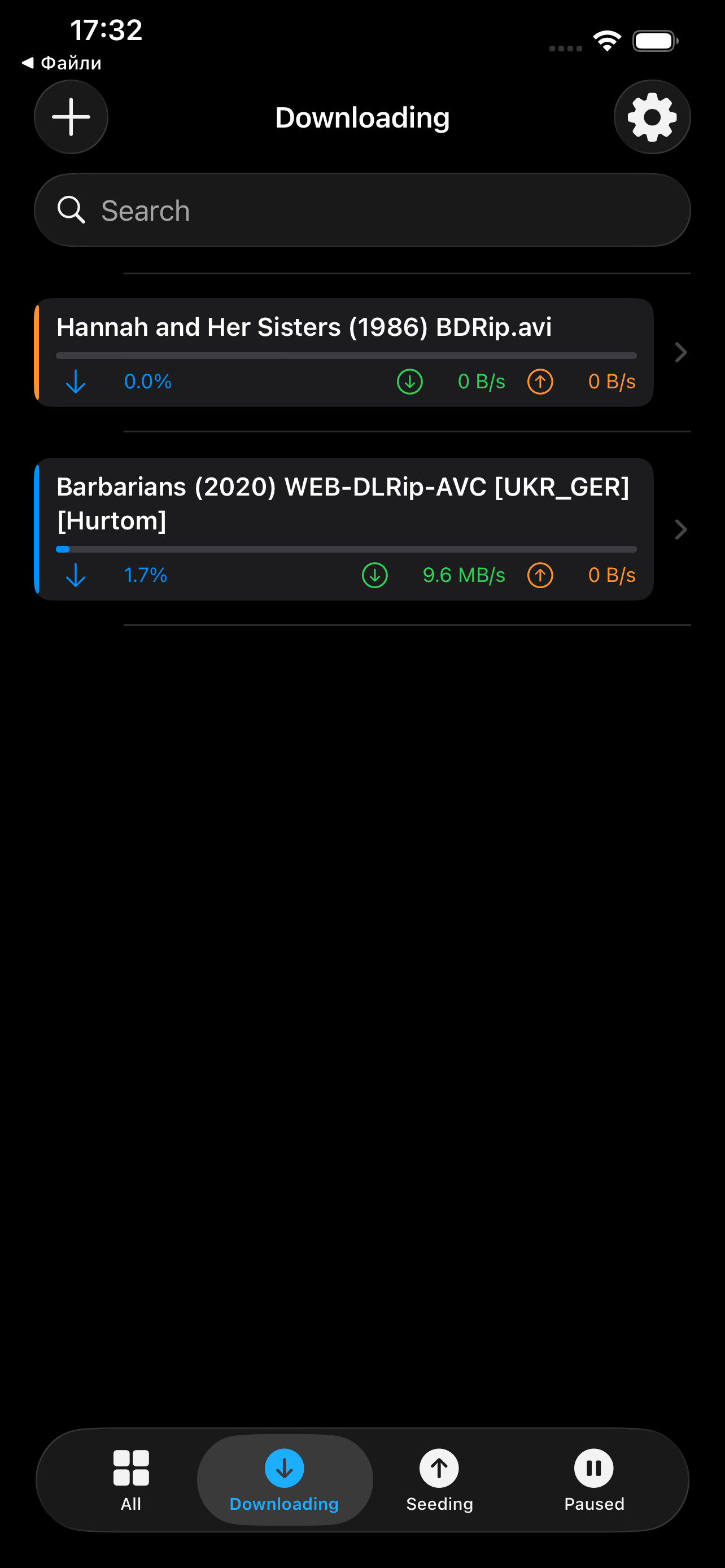
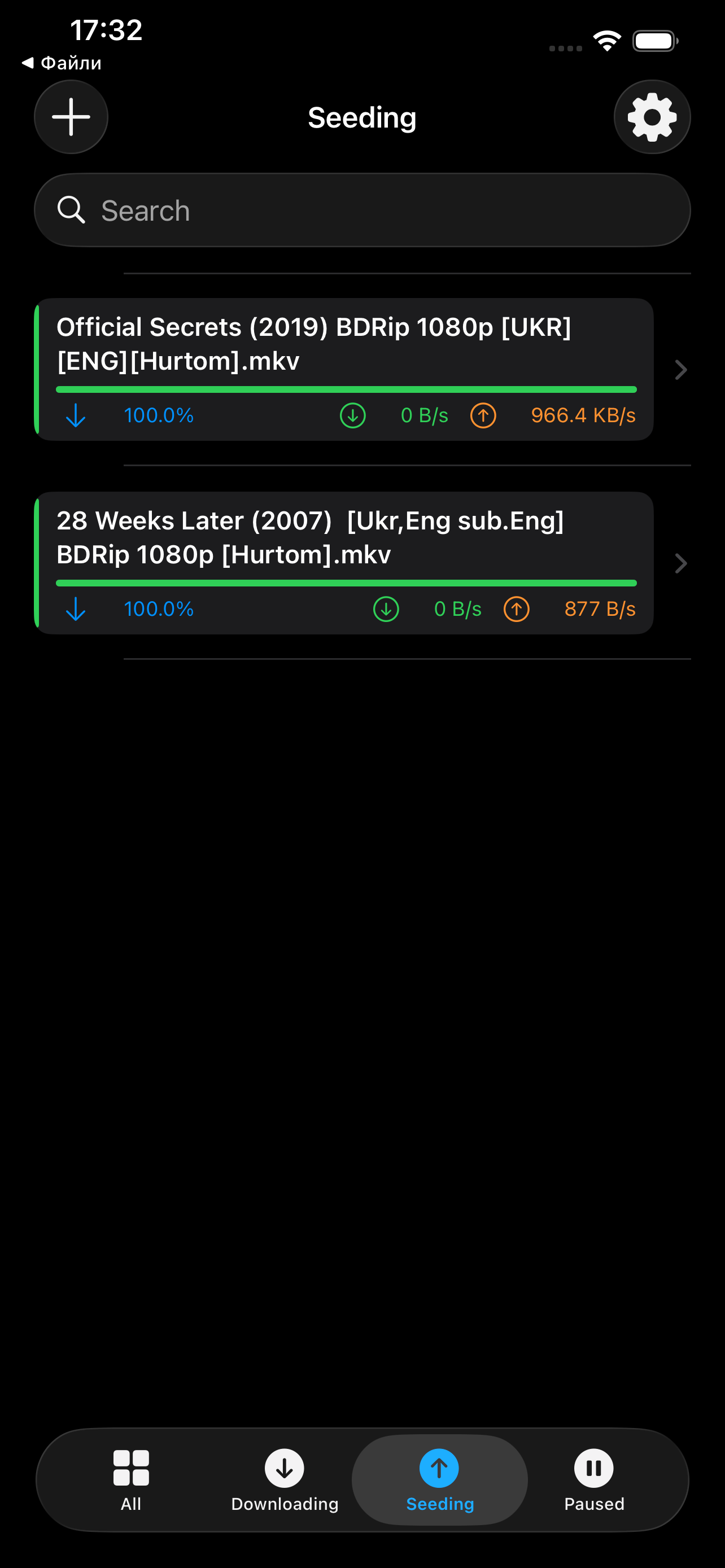
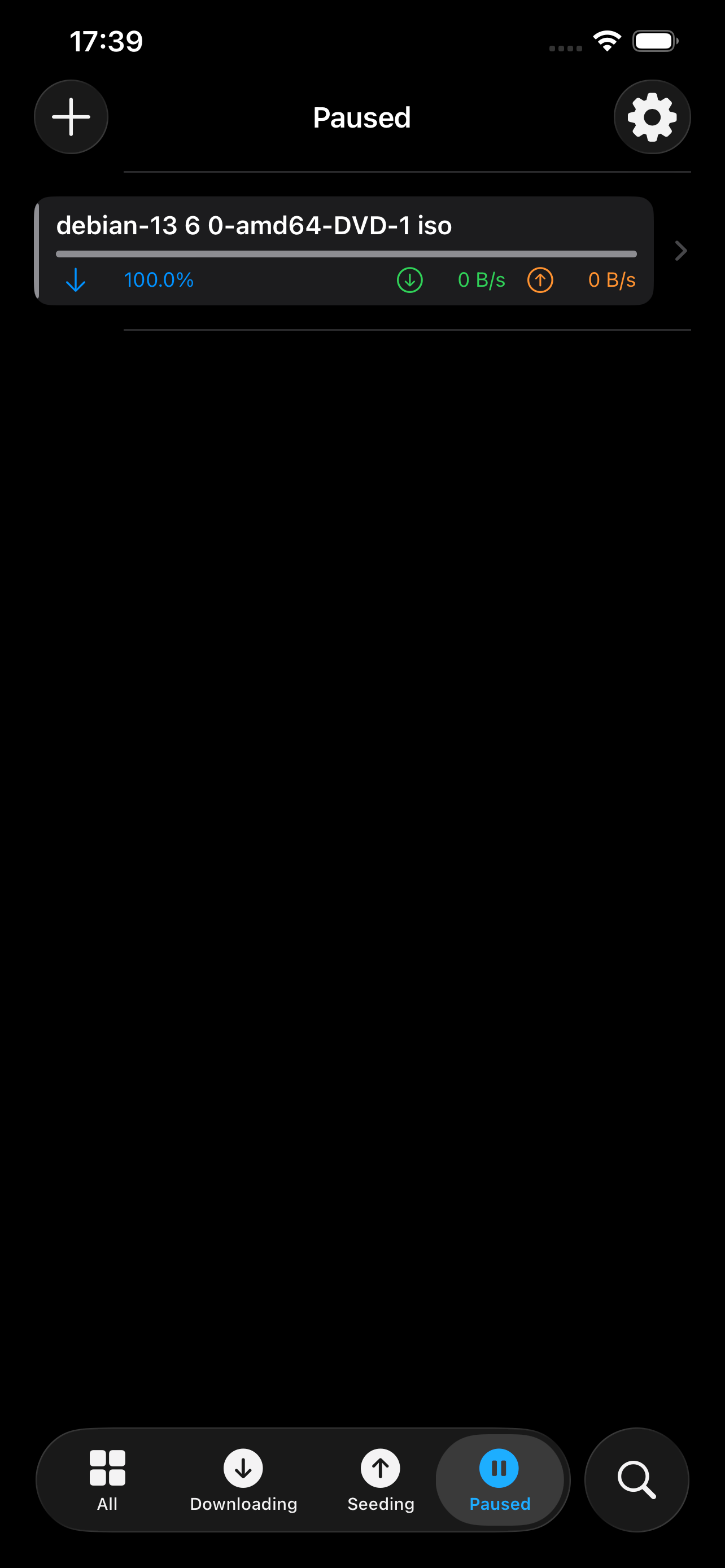
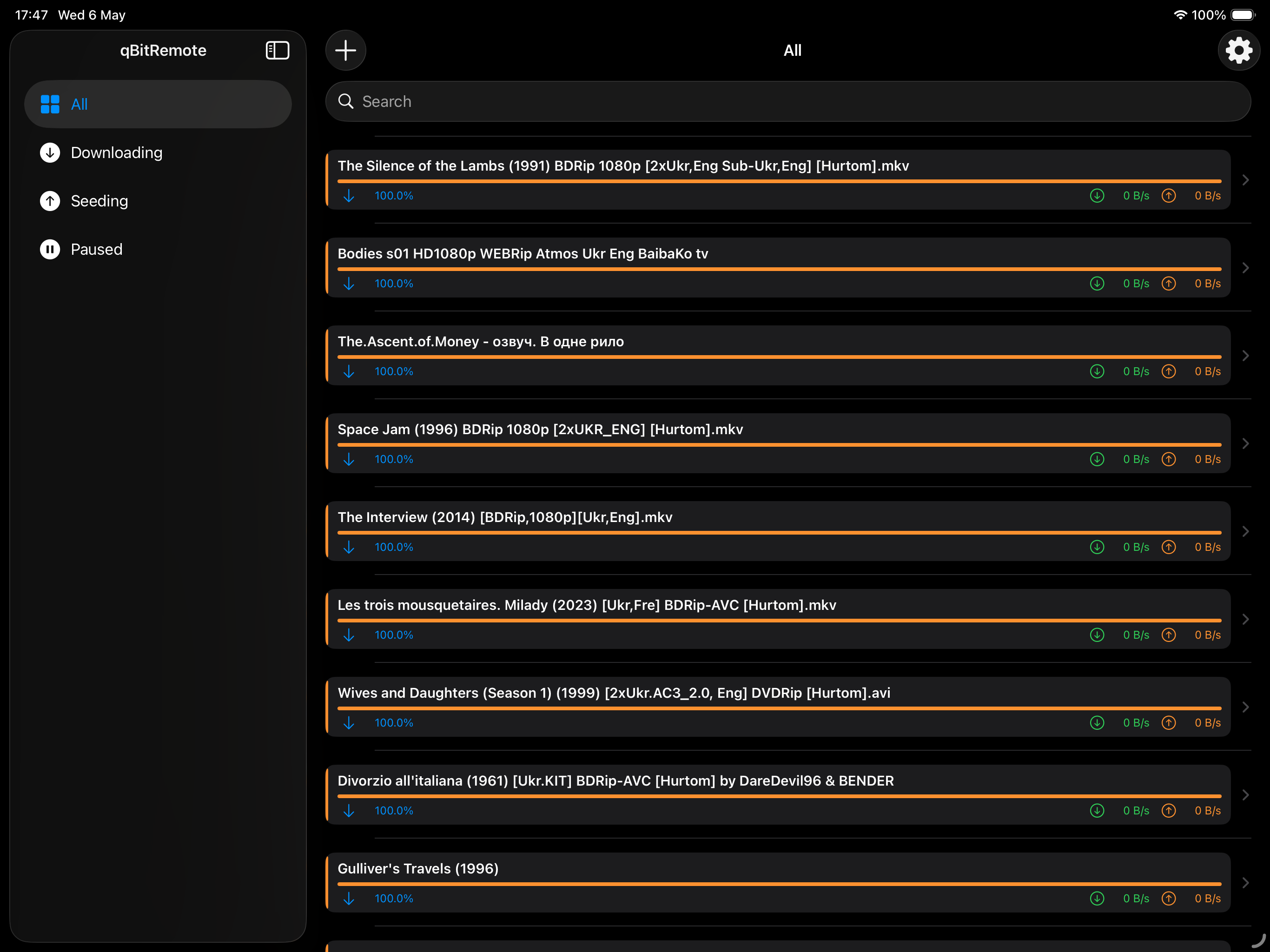
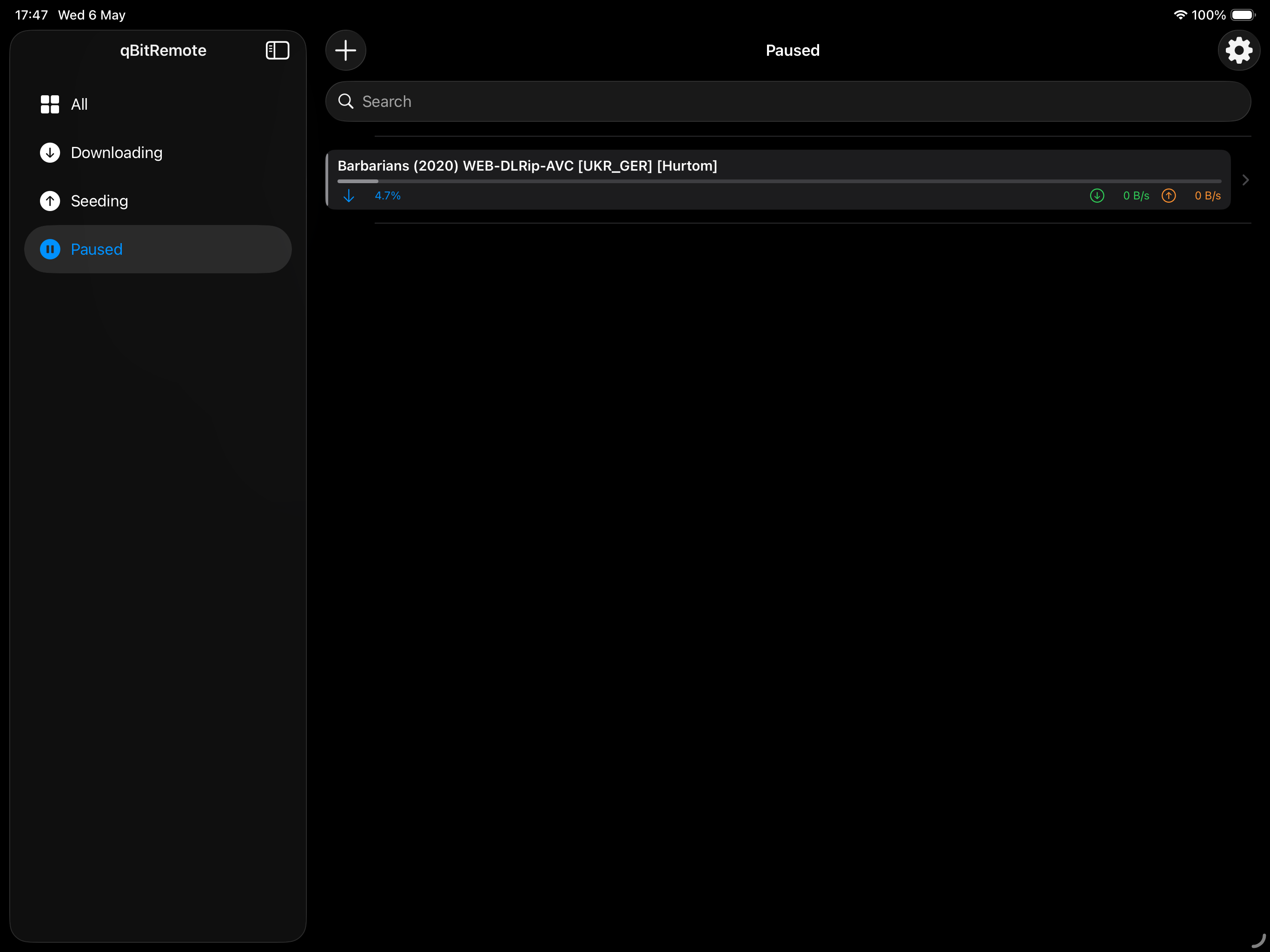
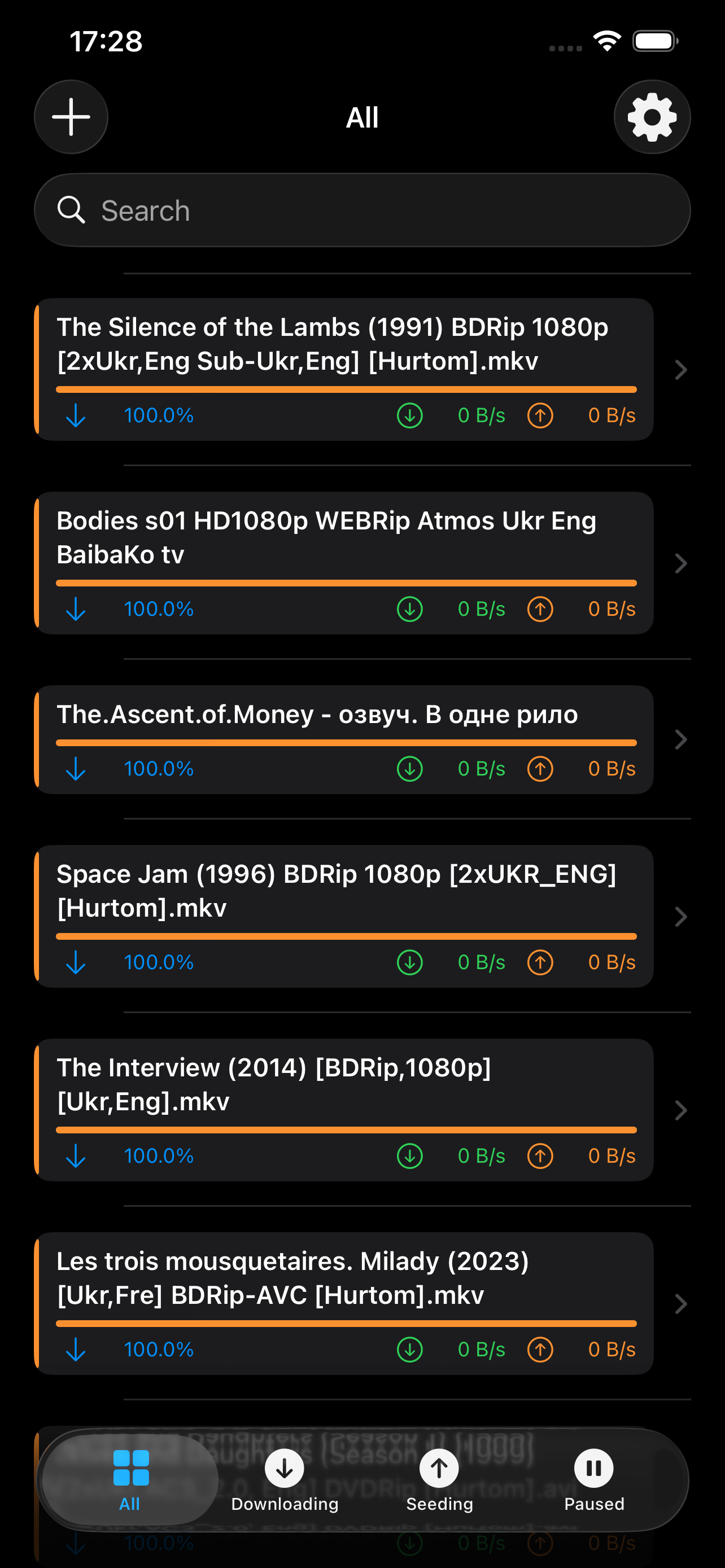
Torrent list screen
4.1+ qBittorrent version
0 Data collected
Live Auto-refresh
Dark + Light mode
Features

Everything you need.
Nothing you don't.

Live Monitoring

Real-time download and upload speeds, progress bars, peer and seed counts — refreshed automatically every few seconds.

Smart Filters

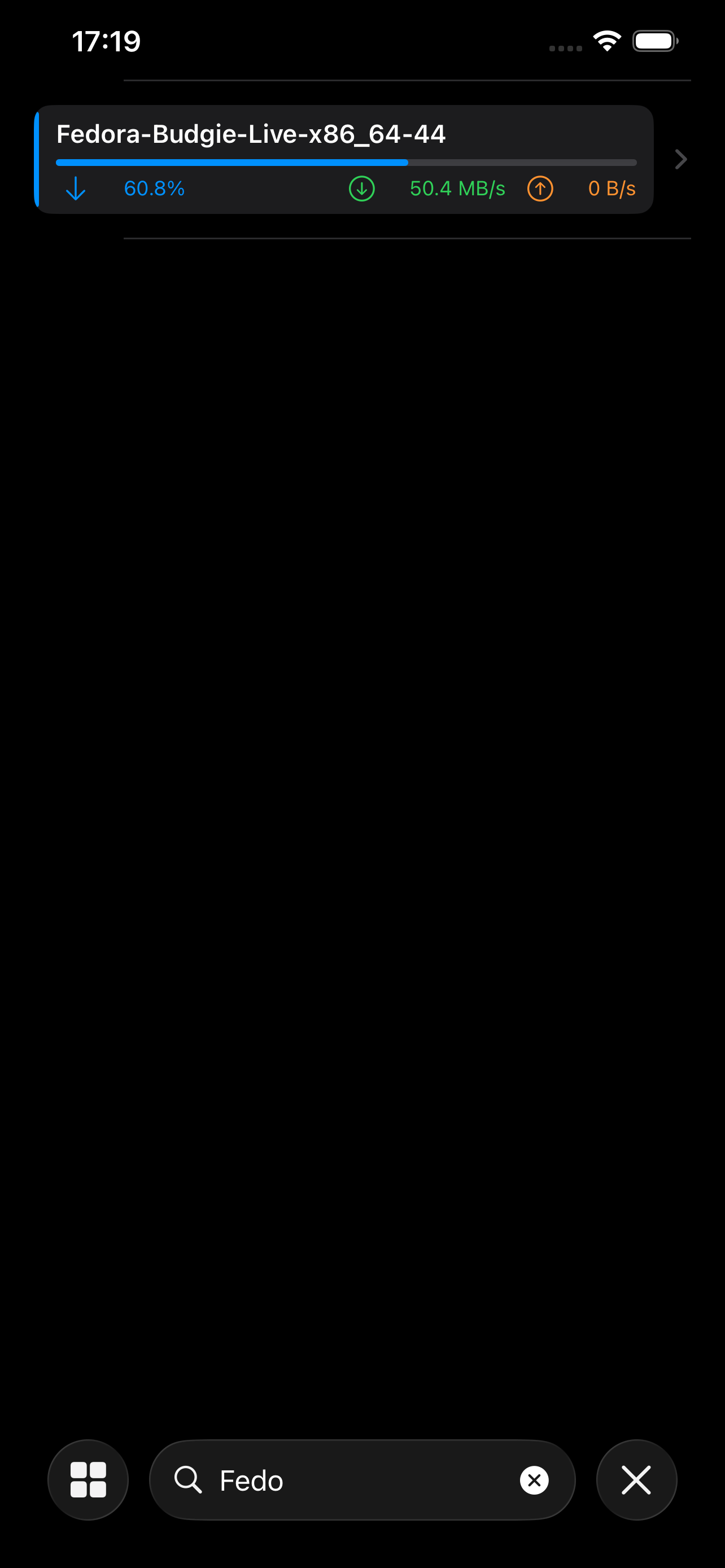
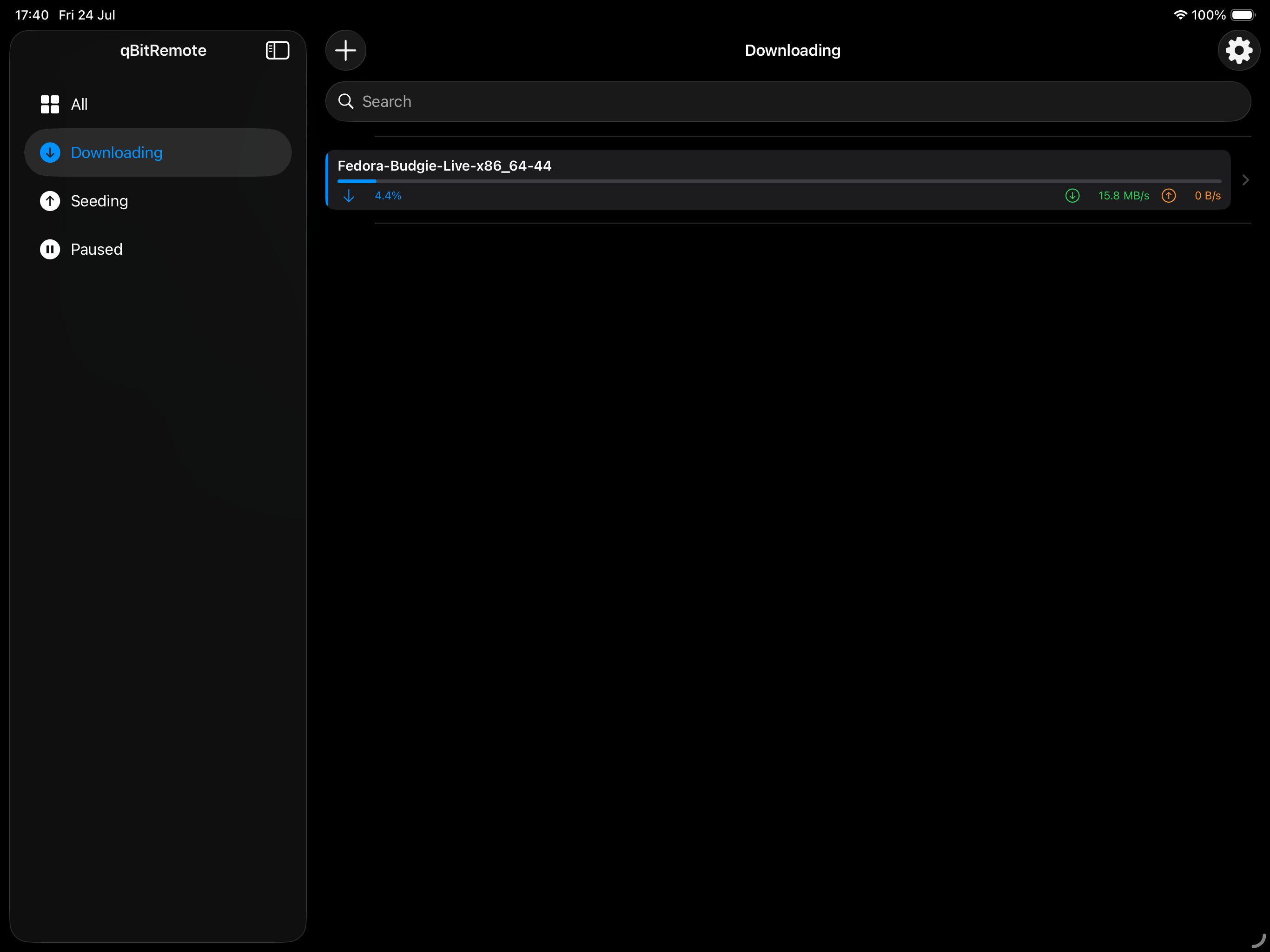
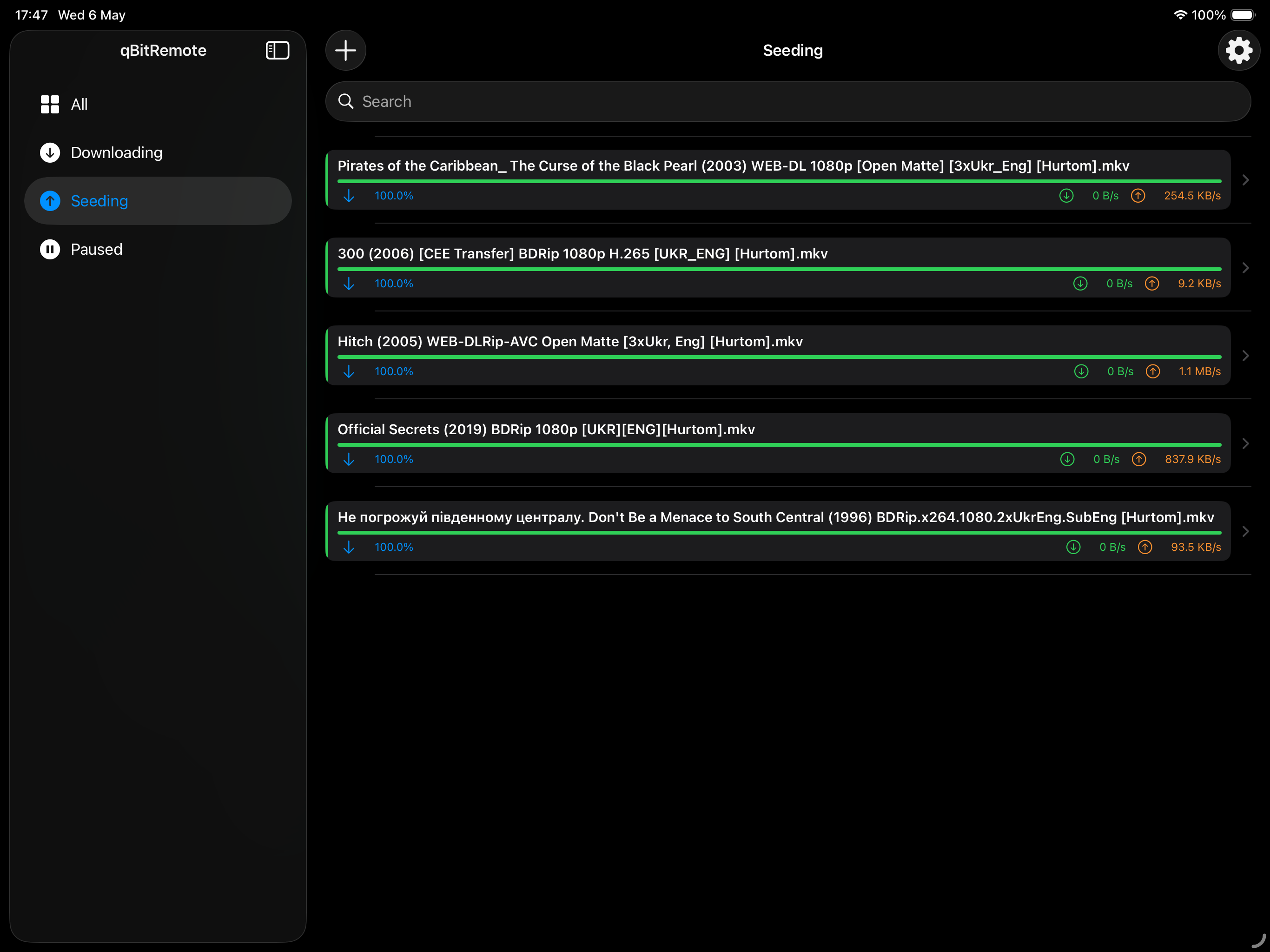
Instantly switch between All, Downloading, Seeding, and Paused views. Find any torrent fast with full-text search.

Add Torrents

Open .torrent files directly from Files, Safari, or any other app. Set the save path, category, and tags before adding.

Categories & Tags

Assign existing categories and tags when adding, or create new ones on the fly — synced directly with your qBittorrent server.

Torrent Details

Full breakdown: status, ratio, save path, per-file list, peer/seed counts, and one-tap Pause or Delete actions.

Secure & Private

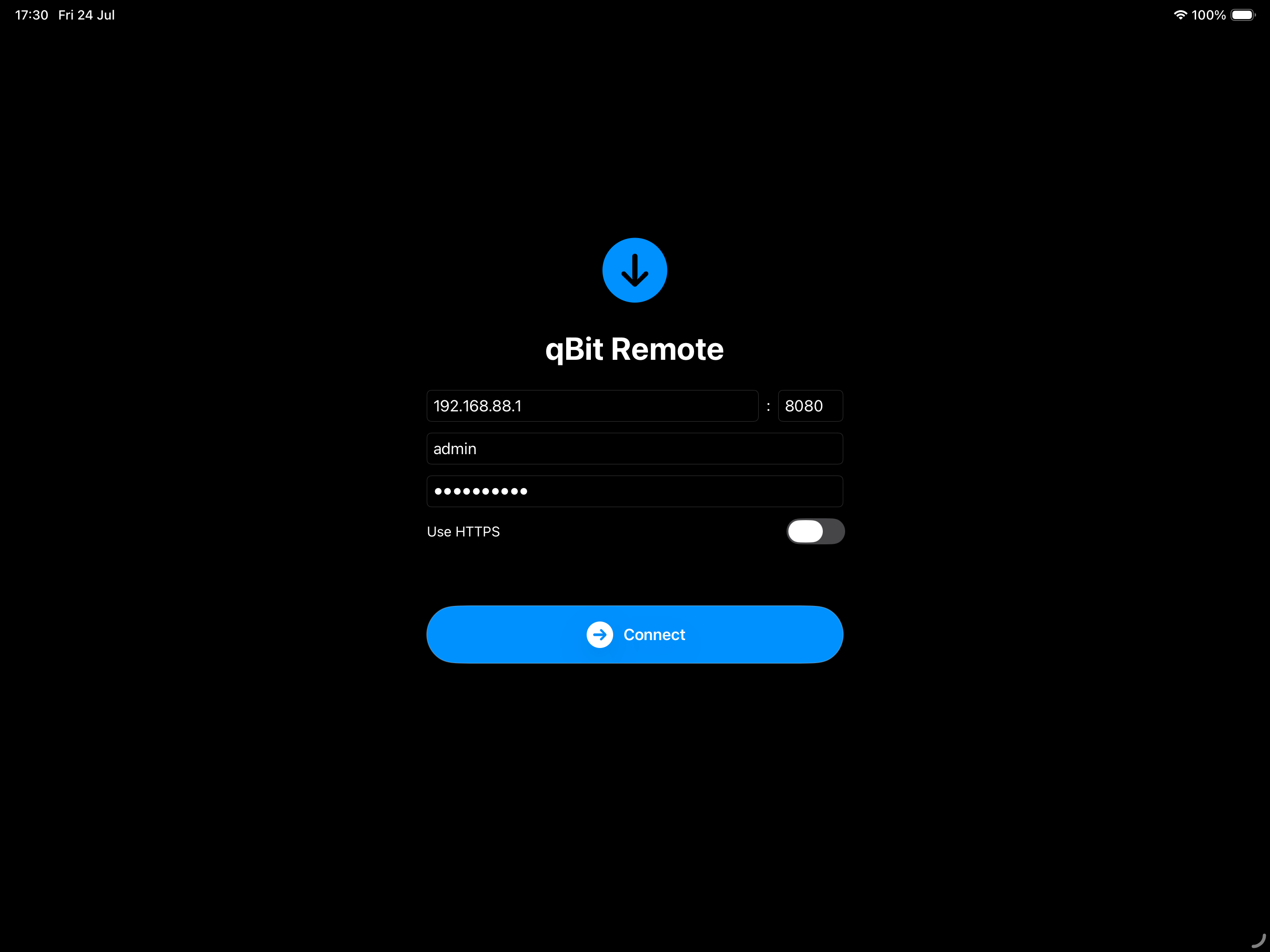
Credentials stored in iOS Keychain. No analytics, no trackers, no servers. Your data never leaves your device.
At home in your pocket.

Built for the big screen.

On iPad, qBitRemote uses a native split-view sidebar so your filter list and torrent list are always visible side by side.

The same great experience — optimised for larger displays, from iPad mini to iPad Air 13".

  • Persistent sidebar navigation
  • Full torrent detail view
  • Add torrents from Files or Safari
  • Dark & Light mode
qBitRemote on iPad — torrent detail

Zero tracking. Zero telemetry.

qBitRemote collects no personal data whatsoever. No analytics SDKs, no advertising frameworks, no third-party calls. Your server credentials are stored exclusively in the iOS Keychain and never transmitted anywhere other than your own qBittorrent server.

Ready to take control?

Free on the App Store. Works with qBittorrent 4.1 and later.

Download on App Store